Why a Quick Resume Builder Beats Microsoft Word & Canva Every Time
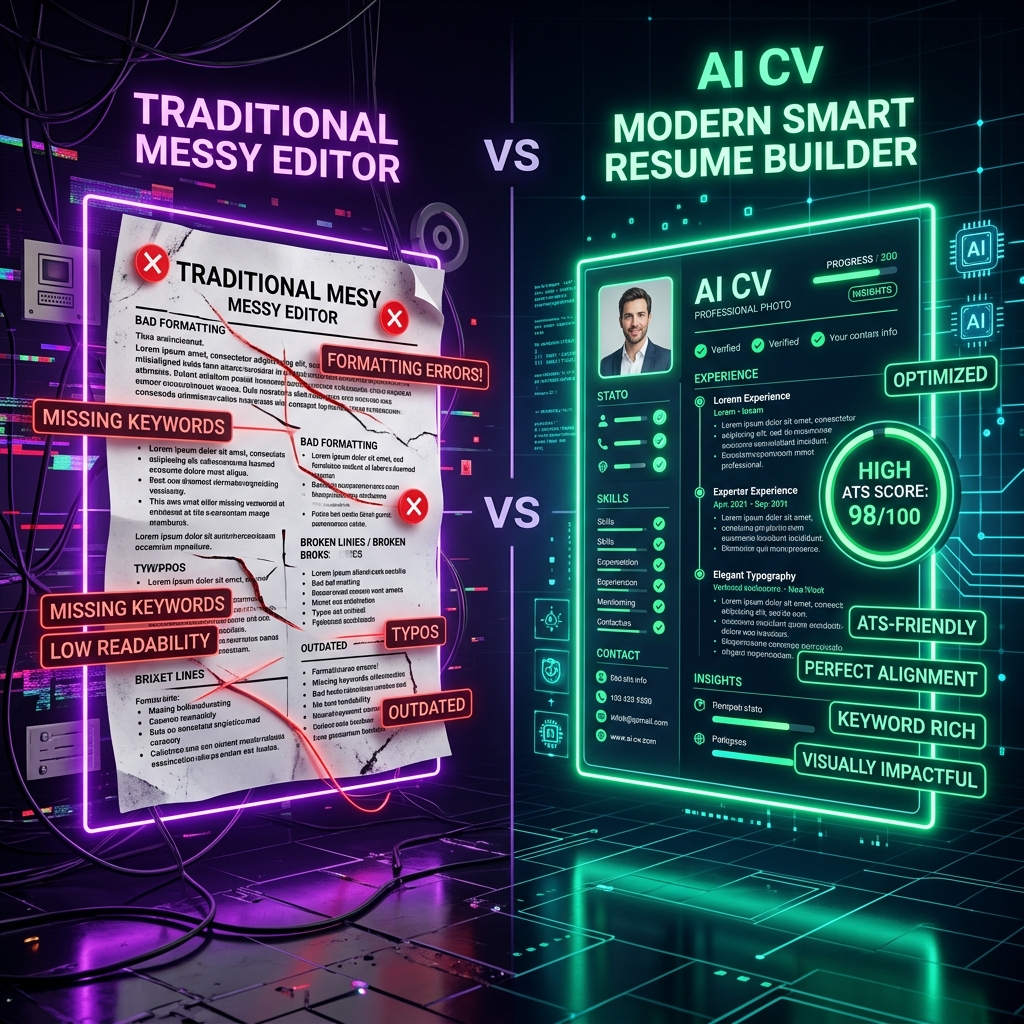
Why a Quick Resume Builder Beats Microsoft Word & Canva Every Time
When preparing a job application, candidates almost always default to one of two tools: Microsoft Word or Canva.
Both have serious, hidden flaws that sabotage your job search:
- Microsoft Word: You press 'Enter' once or add a single bullet point, and your entire layout breaks. Tables shift, margins jump onto an unwanted second blank page, and fonts look different on the recruiter's machine.
- Canva: While aesthetically visually pleasing, Canva exports resumes with floating text boxes and flattened vector graphics. To an Applicant Tracking System, your Canva resume frequently looks like completely blank gibberish.
The modern solution that smart job hunters use in 2026 is a dedicated quick resume builder. Here is why choosing a specialized builder with a clean free resume template gives you an unfair advantage.
1. Perfect Formatting with Zero Headaches
With a quick resume builder, you never have to adjust margin sliders or fight with table borders.
The application architecture enforces pristine visual hierarchy:
- Spacing between bullet points is automatically calibrated to standard 8pt/12pt increments.
- Section dividers remain perfectly aligned regardless of how many bullet points you add.
- The system dynamically ensures your text fits comfortably on one or two pages without creating awkward orphan lines.
2. Instant ATS Compliance Guaranteed
When you export a PDF from our quick builder, the underlying code produces clean semantic text streams. The parser reads your job titles, dates, company names, and responsibilities in the exact order intended.
Compare this with Canva, where a two-column design can cause the ATS to read across both columns simultaneously, transforming:
*Senior Developer at Stripe (left column) — 2022 to 2024 (right column)*
into an illegible jumble that scores zero on the ATS relevance algorithm.
3. Create and Build in 3 Min Without Stress
Time is your most valuable asset during a job search. Instead of spending 3 hours wrestling with formatting, you can create and build in 3 min:
- Minute 1: Select a vetted free resume template suited to your industry.
- Minute 2: Plug in your role information or let our AI enhance your bullet points with measurable outcomes.
- Minute 3: Download a lightweight, text-searchable PDF and apply immediately.
The Verdict: Work Smarter, Not Harder
Your resume is a marketing document designed to land interviews, not an art contest entry. By utilizing a quick resume builder loaded with a proven free resume template, you eliminate formatting frustrations, ensure 100% ATS readability, and dramatically increase your interview invitation rate.
Create & Build Your ATS Resume in 3 Min
Skip confusing formatting and avoid expensive paywall traps. Select a vetted free resume template, enhance your bullets with AI, and download your clean PDF right now.
Frequently Asked Questions
Can ATS parsers read Canva resumes?
Most Canva resumes fail ATS scans because Canva exports text inside floating graphical vector layers and complex column boxes, which ATS software reads as blank or corrupted characters.
Why is a quick resume builder better than Microsoft Word?
A quick resume builder automatically manages margins, typography, and section alignment so your layout never shifts or breaks onto an unwanted page when adding or editing bullet points.
Written by Priya Nair
Professional career counselor and technical writer at ResumeLelo. Passionate about empowering candidates to build ATS-optimized resumes and pass hiring software.