How to Create and Build a Resume in 3 Min: The Quick Resume Builder Guide
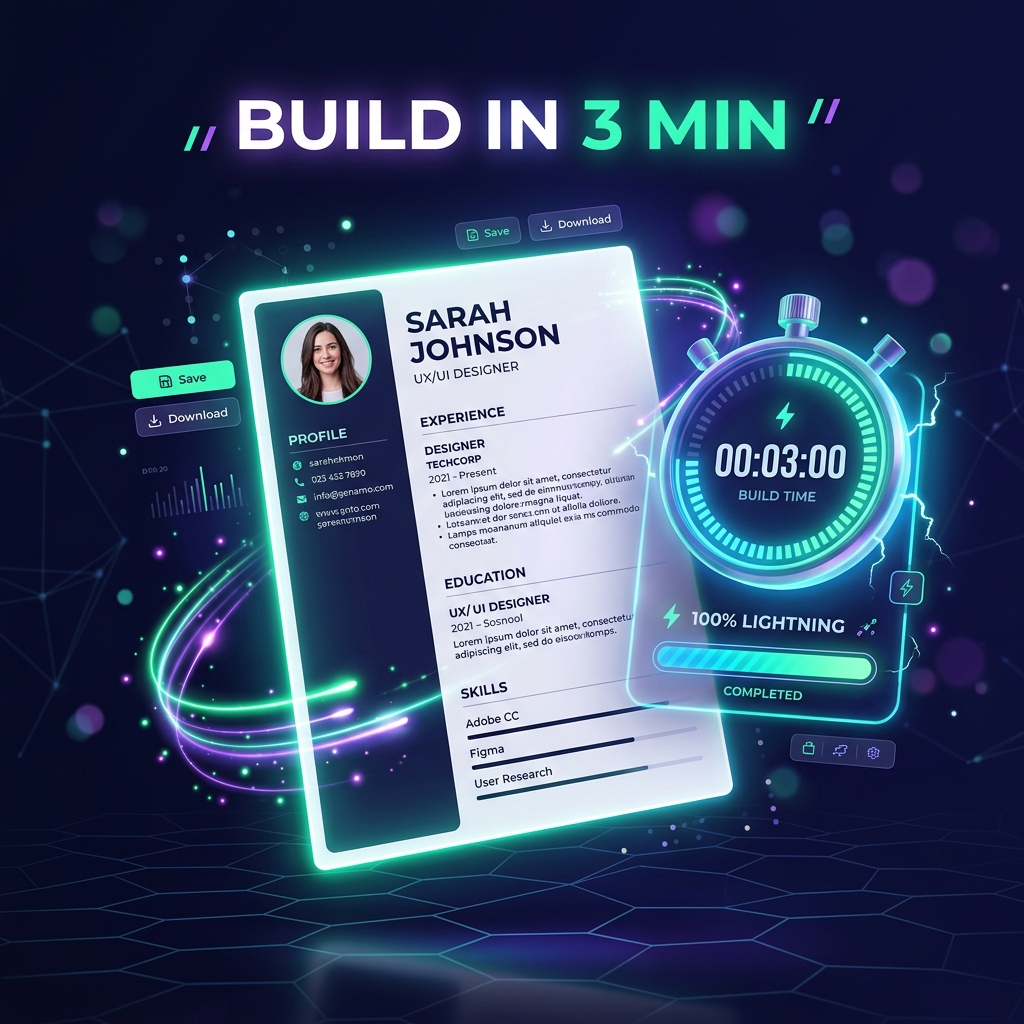
How to Create and Build a Resume in 3 Min: The Quick Resume Builder Guide
Picture this: You just discovered your dream job listing on LinkedIn. The application deadline closes in less than an hour, or the hiring team is reviewing applications on a rolling basis. You open your old resume, only to find outdated dates, misaligned text, and boring bullet points.
Panic sets in. Formatting a resume from scratch in Microsoft Word can take two to three hours.
Here is the good news: With a modern quick resume builder and the right free resume template, you can create and build in 3 min a polished, ATS-compliant resume that catches recruiters' attention and passes automated filters with flying colors.
Here is the exact minute-by-minute breakdown of how to make it happen.
Minute 1: Choose an ATS-Friendly Free Resume Template
The foundation of any great application is the template. Do not spend hours picking fonts, colors, or drawing borders.
When you use a quick resume builder, you gain immediate access to clean, recruiter-approved free resume template options designed specifically for Applicant Tracking Systems (ATS).
- Single-Column Simplicity: Parsers scan left-to-right. A single-column layout guarantees that your job titles and dates stay aligned in the parser's memory.
- Standard Headers: The template automatically labels sections as "Work Experience," "Education," and "Skills" so bots never misread your achievements.
- Text-Searchable Typography: Everything is rendered with clean fonts like Inter and Arial that both humans and algorithms love.
Minute 2: Autofill & Enhance Your Bullets with AI
You don't have to stare at a blank screen wondering what to write. When you create and build in 3 min, intelligent AI assistance does the heavy lifting for you:
- Type your core responsibilities: Simply write a quick rough phrase (e.g., *"helped customers with billing issues and fixed bugs"*).
- Let AI transform it into power bullets: With one click, your quick resume builder converts that into: *"Resolved 50+ tier-2 technical billing issues weekly, maintaining a 98% customer satisfaction score while collaborating with engineers to patch recurring software bugs."*
- Drop in Action Verbs: Dynamic verbs like *Accelerated, Orchestrated, Engineered,* and *Spearheaded* give your profile instant authority.
Minute 3: Run the ATS Audit & Download Clean PDF
You are almost across the finish line! In your third minute:
- Review Your Key Metrics: Ensure your primary job title matches the position you are targeting.
- Verify Contact Info: Check your email, phone number, and LinkedIn URL.
- One-Click PDF Export: Hit the download button to generate a clean, vector-rendered PDF that is ready for instant upload.
No more broken margins. No more weird page jumps when adding a new bullet point.
Why a Quick Resume Builder Beats Traditional Methods
Traditional resume writing is broken. Here is why job seekers are switching to our quick builder:
- Zero Learning Curve: You fill in straightforward forms while the live preview updates in real time.
- Built-in Keyword Match: Spot missing keywords from the job description before you apply.
- 100% Free Templates: Why pay expensive monthly subscriptions just to download a standard document? Pick your favorite free resume template, input your background, and you are done.
Don't let a tight deadline stop you from applying. Jump into ResumeLelo, pick your layout, and create and build in 3 min the resume that will win your next interview!
Create & Build Your ATS Resume in 3 Min
Skip confusing formatting and avoid expensive paywall traps. Select a vetted free resume template, enhance your bullets with AI, and download your clean PDF right now.
Frequently Asked Questions
Can I really create and build a resume in 3 min?
Yes. By choosing a pre-formatted free resume template and utilizing AI bullet enhancement, you can populate your background, verify ATS compliance, and download a text-searchable PDF in under 3 minutes.
Is ResumeLelo free to use?
Yes, ResumeLelo offers free ATS-tested resume templates and instant PDF exports with no surprise paywall traps.
What file format is best for ATS resumes?
A standard text-searchable PDF is recommended for 99% of applications because it preserves formatting while allowing ATS parsers to extract clean text.
Written by Aarav Sharma
Professional career counselor and technical writer at ResumeLelo. Passionate about empowering candidates to build ATS-optimized resumes and pass hiring software.