7 Common Resume Mistakes That are Getting You Instantly Rejected
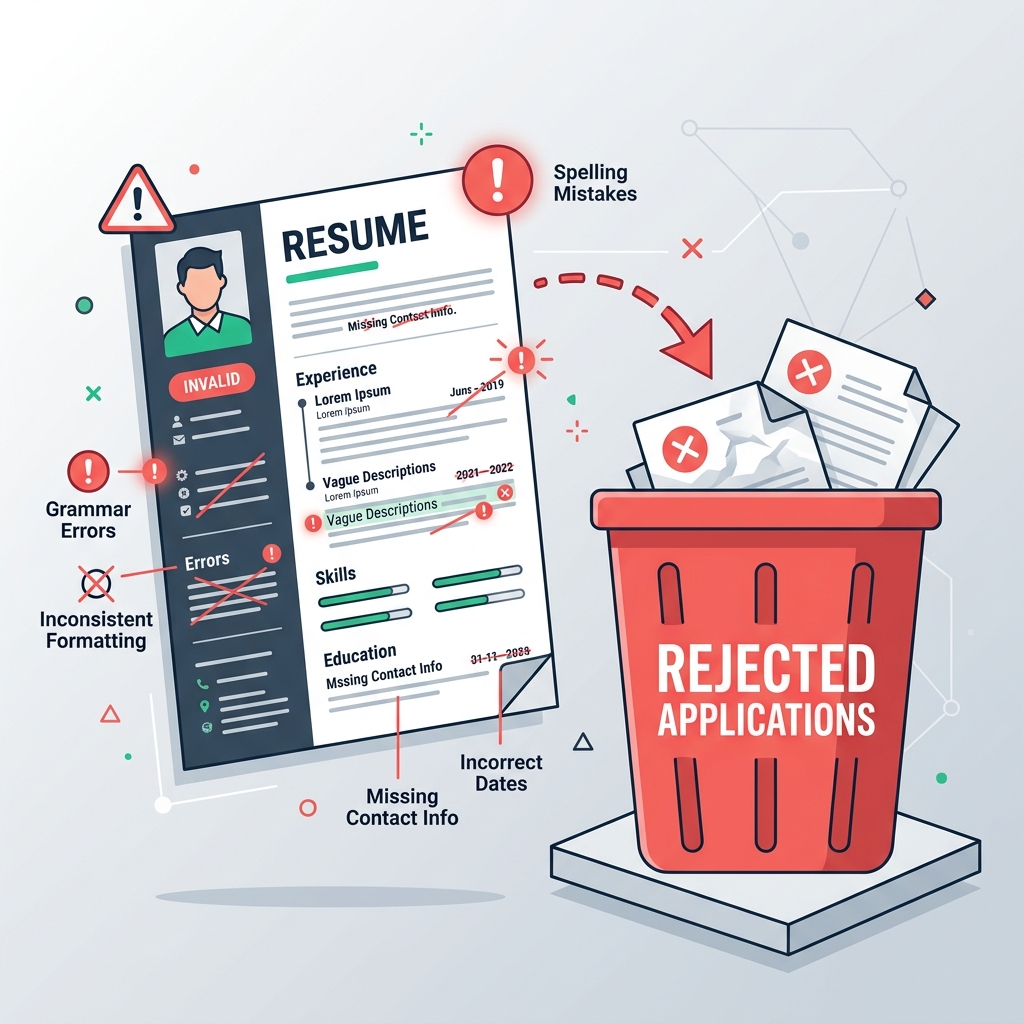
7 Common Resume Mistakes That are Getting You Instantly Rejected
You have the skills, the education, and the experience—yet your job applications keep returning automatic rejections or absolute silence.
The culprit is likely not your credentials, but formatting or content errors that trigger automated ATS rejection or turn off recruiters within seconds.
Here are the 7 most common resume mistakes job seekers make and how to avoid them.
1. Using "Responsible For" Instead of Action Verbs
Your resume should list accomplishments, not a list of your chores.
- Wrong: *"Responsible for managing the team social media accounts."*
- Right: *"Grew organic Instagram and LinkedIn follower base by 45% over 6 months, driving 2,000 weekly site referrals."*
2. Multi-Column Formatting and Parser Issues
Many job seekers download creative templates with text columns, boxes, graphics, and logos. While they look stylish, most ATS parsers cannot read columns. They scan from left to right, combining side-by-side columns into a jumbled, illegible mess. Stick to a clean, single-column layout.
3. Typographical Errors and Poor Font Choices
A single typo can cost you an interview, as it signals a lack of attention to detail.
- Always proofread your document.
- Avoid decorative fonts. Stick to standard clean fonts like Inter, Arial, or Georgia.
- Keep your font sizes consistent (10-12pt for body, 12-14pt for headers).
4. Including Personal Details (Bias Risk)
Do not include personal details like your photograph, date of birth, marital status, or religion. In many countries (like the US and UK), companies will instantly reject resumes with photographs or personal data to avoid potential discrimination lawsuits. Keep it strictly professional.
5. Sending as an Image or Non-Searchable PDF
If you export your resume from a graphic tool like Canva, it might save as a flat image rather than a text document. If the ATS parser cannot highlight and copy your text, it reads it as a blank page. Always export as a standard, text-searchable PDF.
Create & Build Your ATS Resume in 3 Min
Skip confusing formatting and avoid expensive paywall traps. Select a vetted free resume template, enhance your bullets with AI, and download your clean PDF right now.
Written by Neha Sen
Professional career counselor and technical writer at ResumeLelo. Passionate about empowering candidates to build ATS-optimized resumes and pass hiring software.